 HeicFix
HEIC photos that just open.
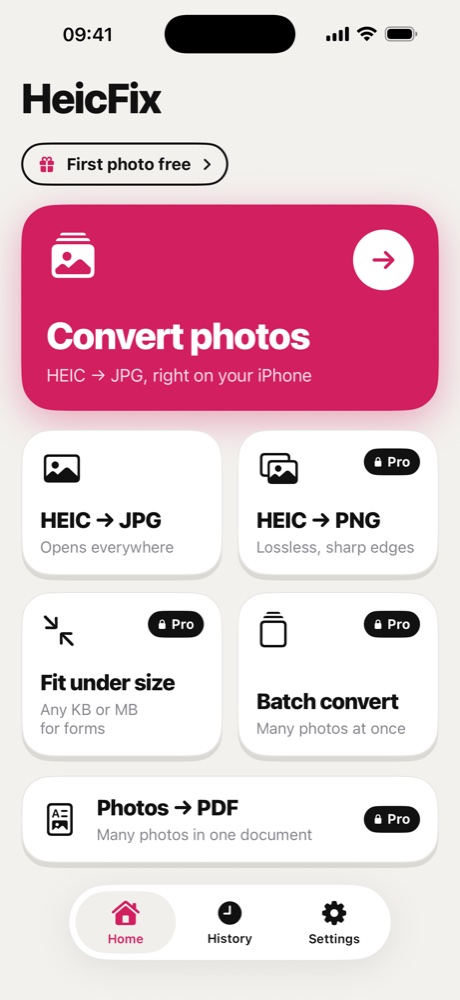
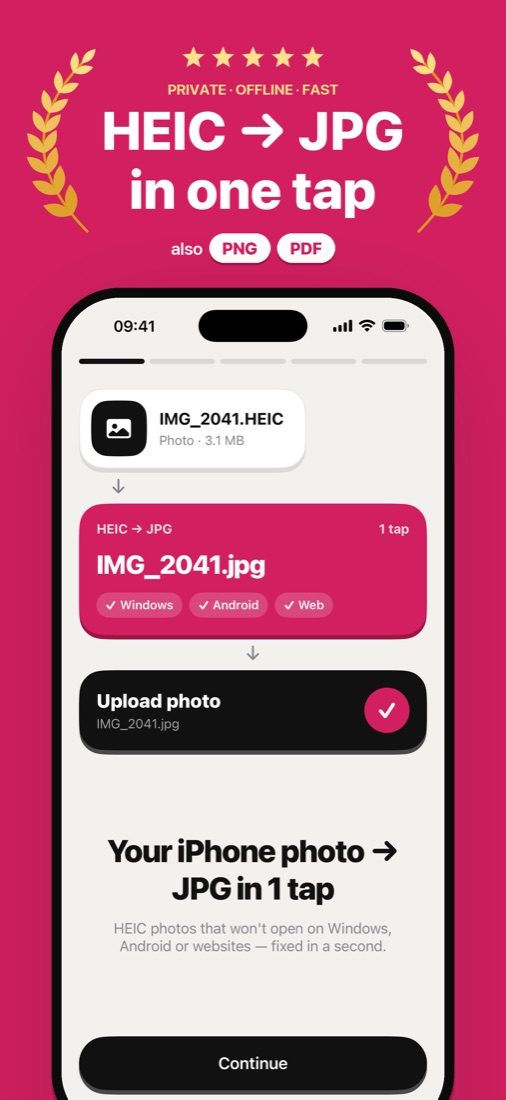
Your iPhone saves photos as HEIC. Windows, Android and upload forms often can't open them. HeicFix turns them into JPG in one tap — right on your iPhone.
Why your photos won't open
Since iOS 11 the iPhone camera saves photos in HEIC: half the size, same quality. Great on Apple devices — but many websites, Windows PCs, Android phones and government portals still expect JPG.
The fix takes one tap
- Pick photos — one or fifty.
- Choose JPG, PNG or PDF. Optionally set a size limit.
- Save to Photos, Files, or share right away.
Everything you need. Nothing you don't.
Fit under any size
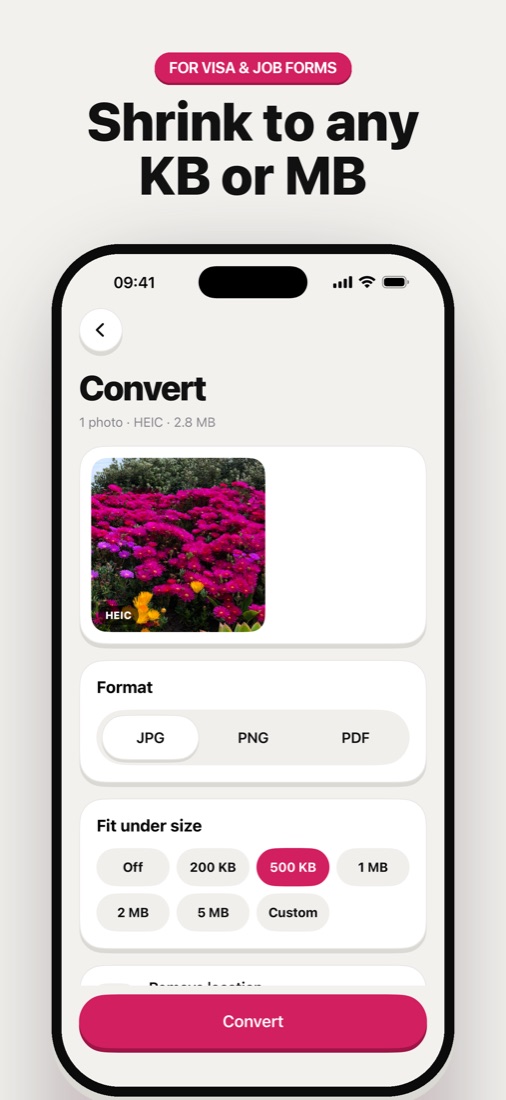
Pick 200 KB, 500 KB, 1, 2 or 5 MB — or type the exact limit a form asks for. HeicFix finds the best quality that fits.
Photos → PDF
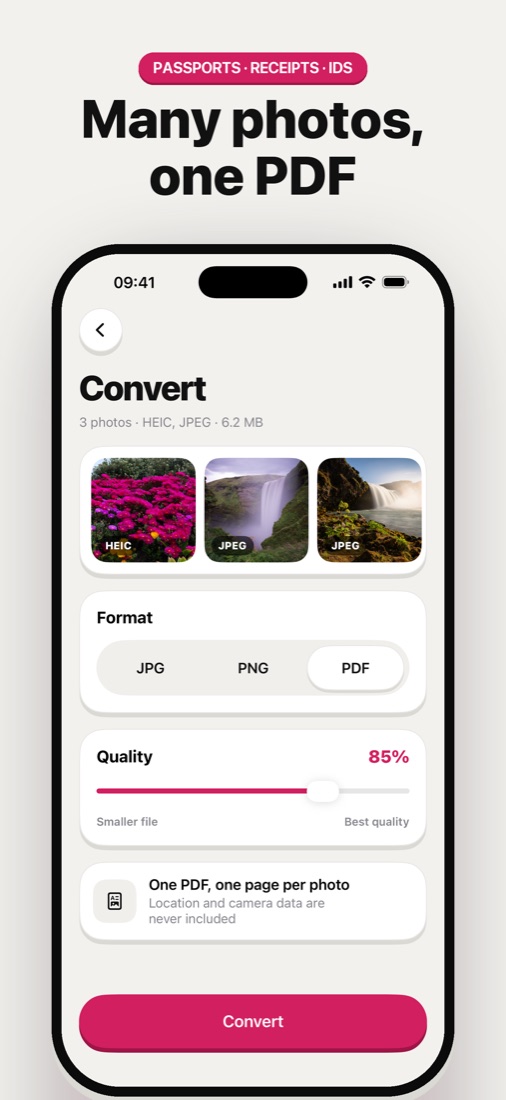
Combine passport scans, receipts or documents into one PDF, one page per photo.
Lossless PNG
Keep every pixel for screenshots, graphics and anything with sharp edges.
Batch convert
Convert up to 50 photos at once and get them all back in a single tap.
Right from Photos
"Convert to JPG" lives in the Photos share menu — no need to open the app.
Remove location
Strip GPS, camera model and date before you share. On by default.
Your photos never leave your iPhone.
Conversion happens entirely on your device. No uploads, no servers, no account — it even works in airplane mode.
- No uploads, ever
- Works offline
- No account needed
- Location stripped by default
Made to feel like iOS
Simple pricing
- Convert and preview anything
- Save your first photo for free
- JPG output
- Unlimited photos and batch
- PNG, PDF and fit under any size
- Share-menu conversion without limits
- Weekly with a free trial, or yearly — cancel anytime
Questions
Is HeicFix free?
You can convert and preview any photo for free, and save your first photo at no cost. Unlimited saving, batch conversion, PNG, PDF and size limits are part of HeicFix Pro.
Are my photos uploaded anywhere?
No. Every conversion runs on your iPhone with Apple's own image frameworks. Photos are never sent to a server — HeicFix works the same in airplane mode.
Why is my JPG bigger than the HEIC?
HEIC compresses better than JPG, so a same-quality JPG is often larger. If you need a small file, use "Fit under size" and pick a limit like 500 KB or 1 MB.
Will I lose quality?
No visible loss at the default settings: full resolution, high JPG quality. Choose PNG if you need lossless output.
Can I make a PDF from several photos?
Yes. Pick your photos, choose PDF, and HeicFix creates one document with one page per photo.
How do I cancel a subscription?
Open Settings → your name → Subscriptions on your iPhone and cancel HeicFix Pro. You keep Pro until the end of the paid period.